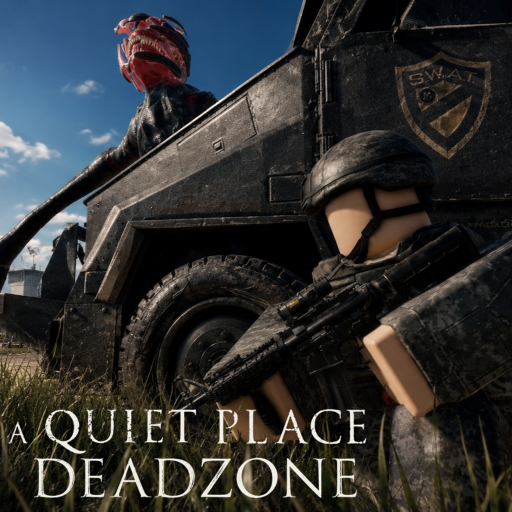
A Quiet Place Deadzone Controls and Input Guide
Movement, audio, and mic setup for Cold Spring survival.
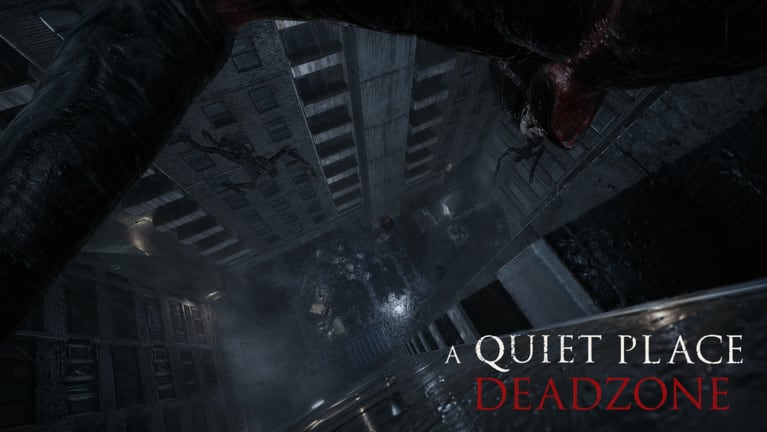
Welcome to the controls hub for A Quiet Place: Deadzone, the Pre-Alpha Roblox survival horror experience from QPG STUDIOS. Cold Spring, New York is a town where sound-hunting creatures respond to footsteps, collisions, and sometimes microphone input. Your controls are not just convenience — they are part of your stealth toolkit.
Because Deadzone is still in Pre-Alpha, menus, default bindings, and HUD labels can change between patches. This hub separates verified in-game patterns from common Roblox FPS expectations so you know what to double-check in settings every session.
What this hub covers
- PC Controls — keyboard and mouse movement, sprint and crouch patterns typical of Roblox horror experiences, plus how to remap when the UI allows it.
- Mobile Controls — touch joystick discipline, camera drag habits, mic permissions, and quiet movement on phone or tablet.
- Audio and Mic Settings — volume balance, microphone detection, and household noise risk before you join a public server.
Each page links back here and forward to survival guides so you can move from input setup to quiet routing without hunting scattered forum posts.
Pre-Alpha disclaimer: verify before you trust
QPG STUDIOS is actively iterating. A binding that worked last week may move after Latest Update v1.2. Gamepasses and UI flows can shift during Pre-Alpha Status windows. Treat every key label in this wiki as “check in your settings panel” unless you personally confirm it on your device today.
We do not present guessed official keybinds. When a specific key is unknown, we describe common Roblox FPS patterns — WASD movement, Shift for sprint, Ctrl or C for crouch if exposed — clearly labeled as patterns to verify, not guaranteed defaults.
Why controls matter in Deadzone
Creatures hunt by sound. Loud sprinting into a metal door, bumping props, or leaving voice chat open near a fan can end a run faster than a wrong turn on the map. Pair control habits with How to Stay Silent and Microphone Settings before your first serious loot trip.
Inventory risk adds pressure. If you leave while the danger warning is active, you can lose what you are carrying — see Keep Your Inventory. Stable movement and predictable exits matter as much as raw aim skill.
Recommended setup order
- Read How to Play for session flow and threat basics.
- Configure PC Controls or Mobile Controls — sensitivity, sprint discipline, crouch if available.
- Tune Audio Settings and decide mic detection on or off.
- Run the Silence Survival Checklist before joining a server.
- Plan a quiet route with Survive Cold Spring.
Platform notes
This hub focuses on PC and mobile because those are the most searchable control questions today. Controller support may expand during Pre-Alpha; always open the in-game settings or help panel on your platform rather than assuming PC bindings transfer one-to-one.
Roblox account-wide settings (Shift Lock, camera mode, graphics) also affect horror readability. Lower visual noise helps you spot danger indicators; smoother frame rates reduce panic inputs that create sound spikes.
Cross-links for a full loadout
- Creatures — understand what your inputs trigger on Creatures Overview and Stealth Tips.
- Codes — redeem
10000LIKESon Active Codes via the Codes Hub before long sessions. - Updates — re-read controls after patches on Latest v1.2.
- Review — see our Review for Pre-Alpha expectations before buying gamepasses.
- Scripts — third-party Scripts pages exist for executor users; they are not required and carry ban risk.
When to revisit this hub
Return after every major update, when Roblox client updates change default Shift Lock behavior, or when you switch devices. Pre-Alpha means the only authoritative control sheet is the one on your screen today — this wiki helps you ask the right questions, not memorize keys that may move tomorrow.
Stay quiet, verify bindings in settings, and treat movement as sound management. Cold Spring rewards players who treat controls as part of horror craft, not a footnote.
Frequently Asked Questions
Quick answers drawn from how players actually survive Cold Spring.
Are the keybinds on this wiki official?
Only patterns you confirm in-game are official for your session. Pre-Alpha builds change; we label common Roblox FPS expectations separately from verified UI labels.
Where do I start with controls?
Open PC Controls for movement and sprint habits, then Audio Settings for mic detection before your first serious run.
Does microphone detection affect gameplay?
Community clips and developer messaging suggest sound matters. Tune mic and volume on Audio Settings and Microphone Settings guides.
Will controls change after updates?
Yes, Pre-Alpha patches can move menus and bindings. Re-check after Latest Update v1.2 and future notes on Pre-Alpha Status.